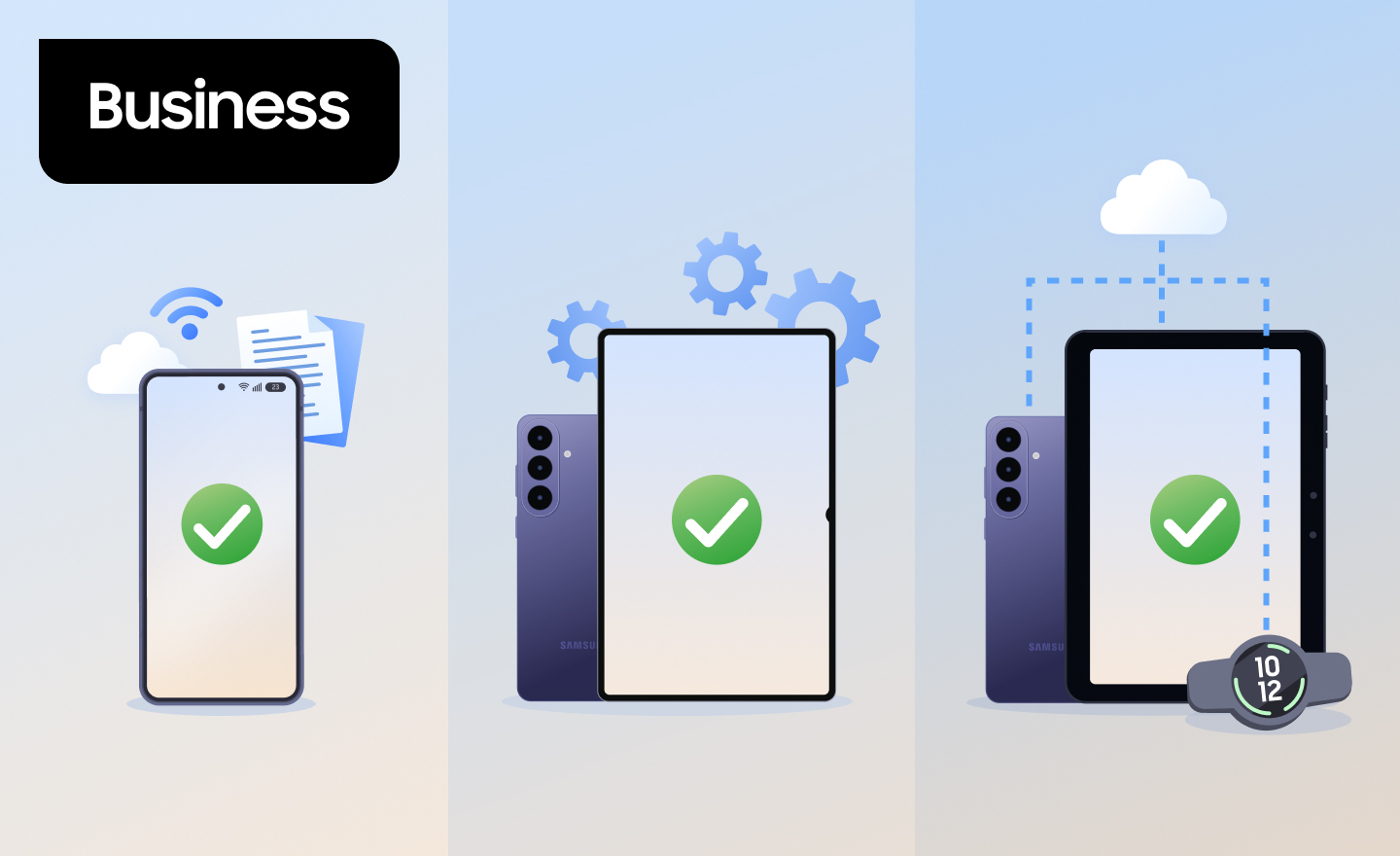
MDM, EMM, and UEM often get used interchangeably, but each describes a different scope of control. Mobile device management (MDM) manages devices, enterprise mobility management (EMM) adds control over apps and data, and unified endpoint management (UEM) extends that control to every endpoint your organization uses.
Read on to learn how MDM, EMM, and UEM compare, and how to choose the right approach for your enterprise fleet.
Table of contents:
- What are MDM, EMM, and UEM?
- MDM vs. EMM vs. UEM: key differences
- How to choose between MDM, EMM, and UEM
- Samsung Knox for UEM and EMM
What are MDM, EMM, and UEM?


MDM, EMM, and UEM are nested approaches to managing work devices: EMM includes MDM, and UEM includes both.
What is MDM?
MDM is software that lets IT admins enroll, configure, secure, and monitor mobile devices from a central console. It works at the device level, pushing Wi-Fi and email settings, enforcing passcodes and encryption, restricting features like the camera, and locking or wiping lost devices remotely. MDM is built for company-owned devices, where the organization controls the whole phone or tablet.
What is EMM?
EMM is a broader set of tools for managing mobile devices and the apps and data on them. MDM is one component of EMM.
Alongside MDM, EMM solutions typically include:
- Mobile application management (MAM): Secures and controls work apps without taking over the entire device
- Mobile content management (MCM): Governs how business documents are accessed, shared, and stored
- Mobile identity management (MIM): Verifies user identity through credentials and authentication methods like multi-factor authentication (MFA) or biometrics, so only authorized users reach corporate resources
- Identity and access controls: Determine who can reach corporate resources, and from which devices
What is UEM?
UEM is a single platform for managing and securing every type of endpoint an organization uses—smartphones, tablets, laptops, desktops, rugged devices, wearables, Internet of Things (IoT) devices, and purpose-built devices like kiosks. For enterprises whose devices span more than one operating system (OS), UEM replaces a patchwork of separate tools with a single view of the fleet.
MDM vs. EMM vs. UEM: key differences
| MDM | EMM | UEM | |
|---|---|---|---|
| What it manages | Mobile devices | Mobile devices, apps, and content | Devices, apps, and content across all endpoints |
| Typical devices | Company-owned smartphones and tablets | Company-owned and personal mobile devices | Smartphones, tablets, laptops, desktops, and specialized devices |
| Level of control | The whole device | The whole device, or just work apps and data | The whole device, or just work apps and data, regardless of OS |
MDM vs. EMM
The difference between MDM and EMM is what gets managed. MDM controls the device itself, while EMM adds control over work apps, content, and access. That extra layer lets EMM protect work data on personal devices without managing the whole phone, which is why it’s a common foundation for bring your own device (BYOD) programs.
EMM vs. UEM
EMM and UEM differ in which devices they cover. EMM focuses on smartphones and tablets. UEM applies the same management and security capabilities to laptops, desktops, and other endpoints, all from one console.
UEM vs. MDM
UEM isn’t the same as MDM—it includes everything MDM does and extends it across the fleet. MDM manages mobile devices at the device level, while UEM combines device, app, and data management for every endpoint type and OS.
How to choose between MDM, EMM, and UEM
The right approach depends on what you manage today and where your fleet is heading.
Start with these questions:
- Who owns the devices? A fleet of company-owned phones may only need MDM. Once personal devices access work data, you’ll want EMM-level separation of work and personal content. Your mobility model shapes this answer.
- Do you manage more than one device type or OS? If laptops and desktops need the same policies as phones, that’s UEM territory.
- Do frontline teams share devices? Kiosks, shared scanners, and rugged devices need specialized controls, like locking a device to specific business apps.
- What’s already in place? If you’ve invested in an EMM or UEM, the gap may be device-level depth rather than platform breadth.
For most enterprises, UEM is the practical destination, because fleets rarely stay mobile-only for long. Smaller organizations with simpler needs can start with MDM—see whether your small business needs MDM.
Samsung Knox for UEM and EMM
Samsung Knox supports both paths: it can serve as your UEM, or strengthen the EMM or UEM you already use.
As your UEM, Knox Suite includes Knox Manage, which lets you remotely manage and control your entire device fleet across device types and OS platforms, from security settings to app management, using hundreds of available policies. Knox Manage is part of the Knox Suite - Essentials Plan and Knox Suite - Enterprise Plan. The latter adds Samsung Galaxy-specific tools for OS update control, device analytics, and frontline productivity.
If your organization already runs another EMM or UEM, Knox Suite is designed to work alongside it, adding deeper control over Samsung Galaxy devices without replacing your current platform. Knox Mobile Enrollment, for example, enrolls devices into your chosen EMM in bulk, right out of the box. Learn more about pairing Knox Suite with your existing EMM.
Either way, Samsung builds both the device and the management tools, so Knox Suite can work below the software layer that most EMM and UEM platforms rely on. Hardware-backed attestation verifies a device’s integrity before it enrolls in an EMM, helping keep compromised devices out of your fleet from the very first step.
Ready to simplify how you manage every endpoint?


