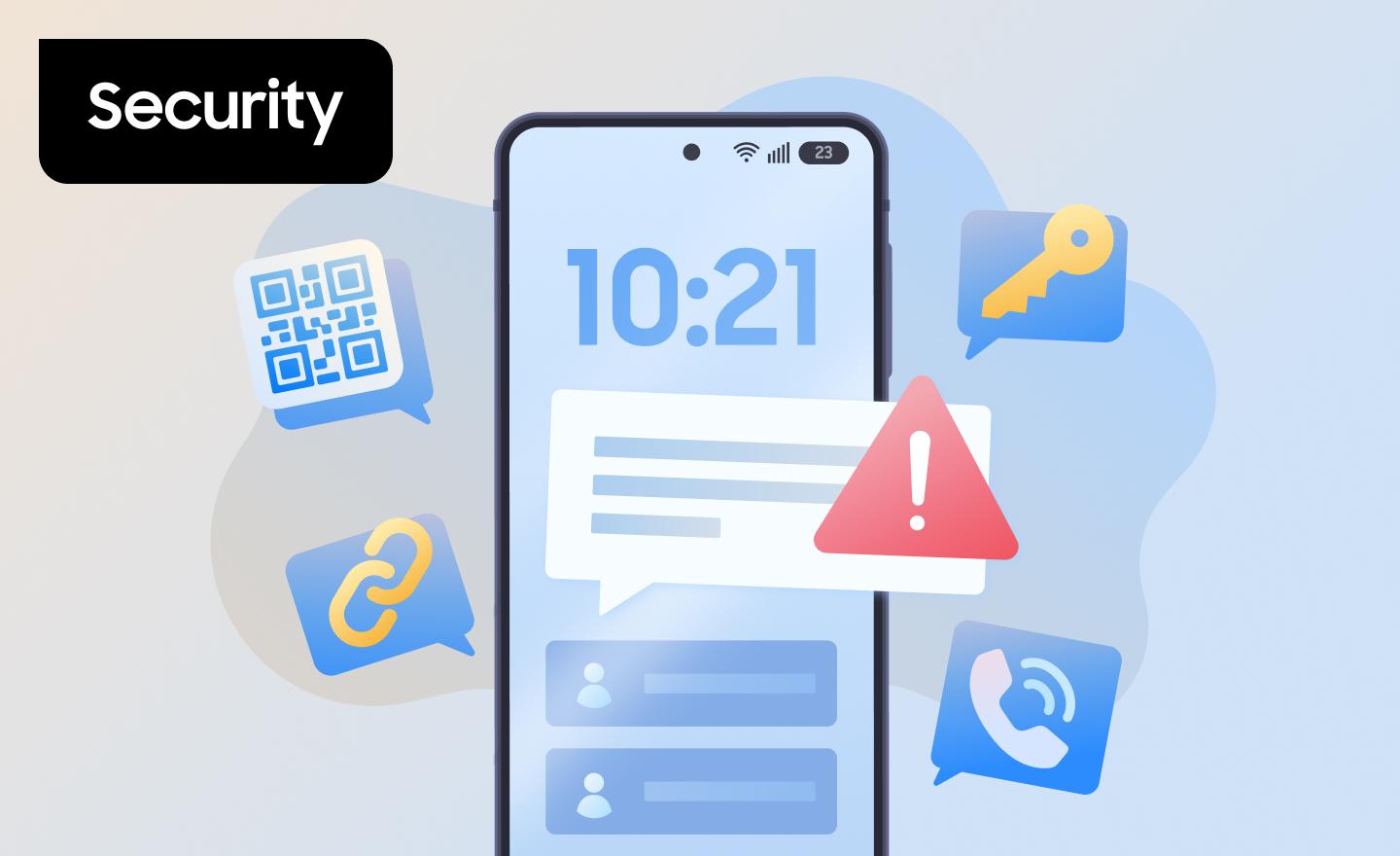
Most security teams have spent years securing email against phishing: filters, link scanning, sender authentication, and annual training. Attackers noticed, and many have moved to the device that sits outside most of those controls—the phone in every employee’s pocket.
Phishing attacks on mobile devices arrive by text message, phone call, QR code, and messaging app. They reach employees who are moving fast, glancing at a small screen, and switching between work and personal apps on the same device.
Read on to learn how mobile phishing differs from email phishing, the most common attack types, and the layers IT teams can use to reduce risk across a device fleet.
Table of contents:
- How do mobile phishing attacks differ from traditional ones?
- Types of phishing attacks on mobile devices
- How to protect mobile devices from phishing attacks
- Closing the mobile phishing gap
How do mobile phishing attacks differ from traditional ones?
Mobile phishing attacks use the same core tactic as email phishing—deception that convinces someone to share credentials, approve a request, or install something harmful. The difference is that they reach employees through channels and conditions that email defenses weren’t built for.
Key differences include:
- Channels outside email security: Text messages, voice calls, QR codes, and messaging apps don’t pass through the email gateway, so filters and link scanning tuned for email don’t apply.
- Less context on a small screen: Mobile browsers and messaging apps often shorten or hide full URLs, making spoofed domains harder to spot.
- Faster, less cautious responses: People tend to treat texts and calls as more personal and urgent than email, and often respond before stopping to verify.
- Work and personal on one device: On devices with separate work and personal profiles, the native messaging app typically sits on the personal side, where IT has limited visibility for privacy reasons.
Types of phishing attacks on mobile devices

Most phishing attacks on mobile devices fall into five categories, each defined by how the attacker reaches the employee.
- Smishing (SMS phishing): text messages that impersonate banks, delivery services, government agencies, or internal IT, with a link to a credential-harvesting page or a malicious download.
- Vishing (voice phishing): phone calls, often with a spoofed caller ID, that pressure employees into resetting credentials, sharing multi-factor authentication (MFA) codes, or approving payments. AI-generated voice cloning can make an impersonated executive or colleague sound convincing.
- Quishing (QR code phishing): malicious QR codes sent by email, posted in public places, or stuck over legitimate codes. Because the link is hidden inside an image, it can slip past email link scanning. Frontline teams in retail, warehousing, and healthcare that scan codes all day may not think twice.
- Messaging app and in-app phishing: lures delivered through chat platforms or social media direct messages, or fake apps that mimic a real login screen to capture credentials.
- Spear phishing and executive impersonation: targeted messages that use personal or company details to pose as a trusted colleague or executive, usually paired with a time-sensitive request.
Generative AI (genAI) is making all five harder to spot. Attackers can produce fluent, personalized messages at scale, tailored with details pulled from public profiles—removing many of the red flags employees were trained to look for.
However, the same technology can also work for defenders. GenAI can help security teams review suspicious messages for unusual patterns, though it works best as an assistive layer alongside existing detection tools.
How to protect mobile devices from phishing attacks
Protecting mobile devices from phishing works best in layers: limit what a phishing message can do, make stolen credentials less useful, detect phishing activity on the device, and prepare people and processes to respond. No single layer stops every attack.
Limit what a phishing link can do
Many mobile phishing attacks aim to get a malicious app onto the device, and restricting where apps can come from helps close off that route. Samsung Galaxy devices running One UI 6.0 or higher include Samsung Auto Blocker, which—when turned on—blocks app installations from unauthorized sources and enables Samsung Message Guard to help block malware disguised as images in messaging apps.1
For managed devices, Knox Platform for Enterprise lets IT admins set app allowlists and blocklists for the work environment through Knox Manage or another supported enterprise mobility management (EMM) platform, so only approved apps can be installed where business data lives.
Keeping devices patched matters too, since some phishing links lead to exploits for known vulnerabilities. Knox E-FOTA lets IT admins decide when and which operating system (OS) and security updates reach the fleet, so patches can be tested and rolled out on a predictable schedule.
Make stolen credentials less useful
MFA limits what an attacker can do with a phished password, but not all MFA holds up equally. One-time codes sent by SMS can be phished in the same exchange that captured the password.
Phishing-resistant options, such as passkeys or physical security keys (small devices that plug into or tap against a phone), only work on the real website, so they won’t sign anyone in on a lookalike page.
Detect phishing on the device itself
Prevention won’t catch everything, so security teams also need visibility into phishing attempts as they happen. That’s hard on mobile: SMS phishing usually lands in a messaging app on the personal side of the device, where IT can’t—and shouldn’t—read messages.
Knox Suspicious URL Detection is designed for this gap. Built into the Samsung Knox framework on managed Galaxy devices, it uses on-device machine learning (ML) models to flag potentially malicious links, including those from smishing and quishing attempts, without a separate agent app.2
Capabilities include:
- Coverage for common phishing link types: Knox Suspicious URL Detection flags typosquatted domains, shortened URLs (after expanding them in an on-device sandbox), and links hidden behind display text.
- Privacy-preserving alerts: For links opened in a personal profile, Samsung Knox generates an alert but filters out the URL and app details before logging the event.
- Signals your security operations center (SOC) can use: Phishing events are recorded in the Knox Security Log and can be viewed through Knox Asset Intelligence and sent to Microsoft Sentinel for investigation alongside other enterprise security data.3
Knox Suspicious URL Detection is part of the Knox Zero Trust Framework, which turns device-level security signals into data security teams can act on.
Train for mobile channels and plan the response
Security awareness training should cover text, voice, and QR code lures, not just email. Running smishing and vishing simulations shows which teams need more support.
Organizations also need a documented response for when someone taps a bad link: how employees report it, how IT isolates the device or revokes its access, how affected credentials get reset, and how other systems get checked for related activity.
For bring-your-own-device (BYOD) users, the plan should spell out what IT can and can’t do on a personal device—something to settle in your BYOD security policy before an incident, not during one.
Closing the mobile phishing gap
Phishing attacks on mobile devices aren’t a side variant of email phishing. They use different channels, exploit different habits, and often land where email security can’t see. Closing that gap takes device-level controls, stronger authentication, on-device detection, and employees who know what mobile lures look like.
Samsung Knox builds those protections into Galaxy devices and connects them to the security tools IT teams already use.
Ready to see how Samsung Knox fits your mobile security strategy?
DISCLAIMERS
Frequently asked questions
Stop interacting with the page, don’t enter any information, and report it to IT right away. IT can then check the device, reset any credentials that may have been exposed, and look for related activity.
Most phishing texts need the recipient to act—tapping a link, entering credentials, or installing an app. Zero-click exploits that target messaging apps without any interaction also exist, which is why Samsung Message Guard is designed to help protect the message-handling layer itself.


